ANALYST TERMINAL
Pick words from a terminal-style menu. The system responds with a short “reading” and a generated image.
Try the Interactive Terminal
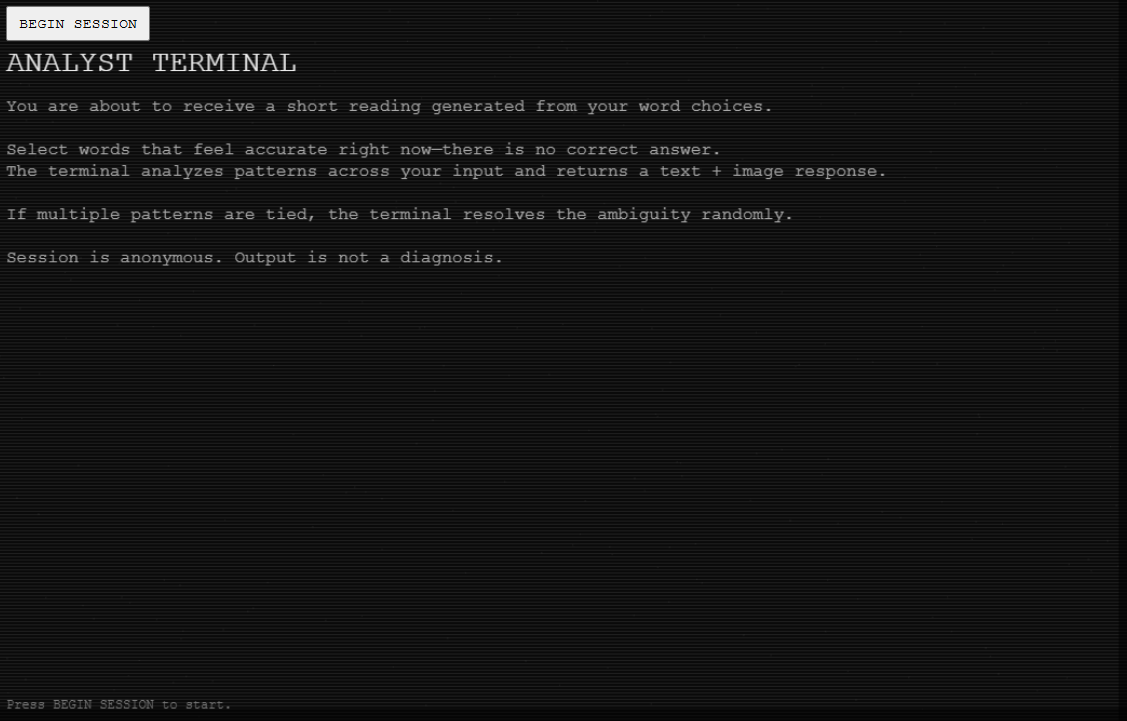
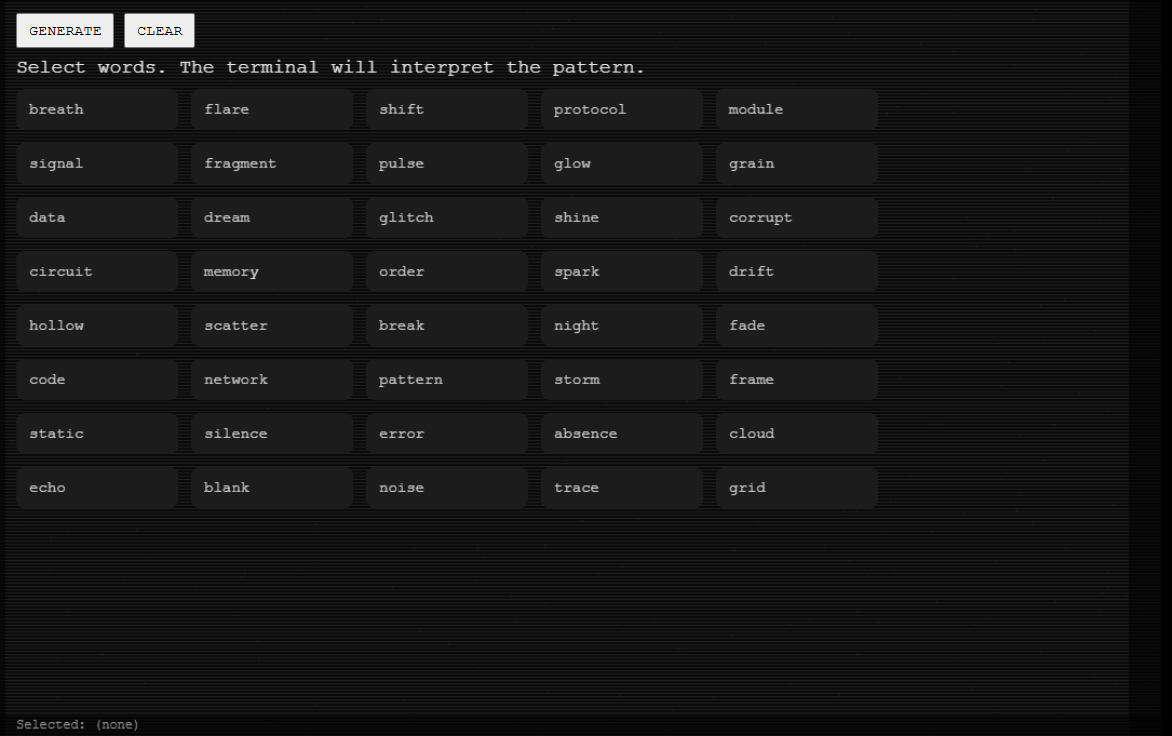
Click BEGIN SESSION, choose words, then press GENERATE.
Sound: audio begins after you start a session. Use the Sound button in the interface to turn it on/off (or press M).
Interaction Flow
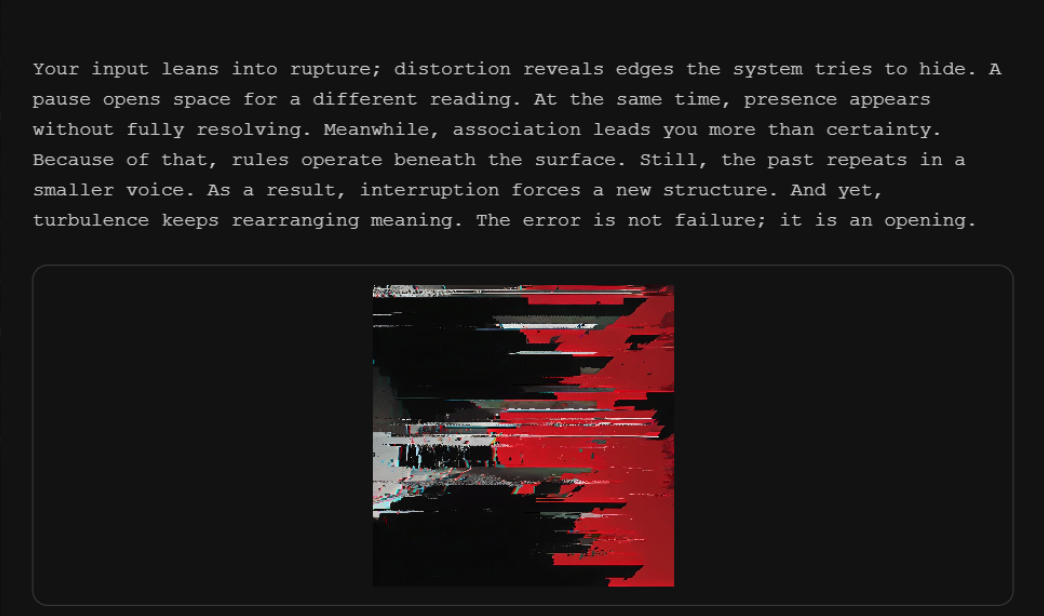
These screenshots show the piece step-by-step: start screen → word selection (inputs) → generated output. Click any image to enlarge.
What
ANALYST TERMINAL is an interactive web piece where you select words from a few categories. I intentionally mix two kinds of language: words that feel human (memory, dream, fear, calm) and words that feel like computer systems (signal, protocol, machine, glitch).
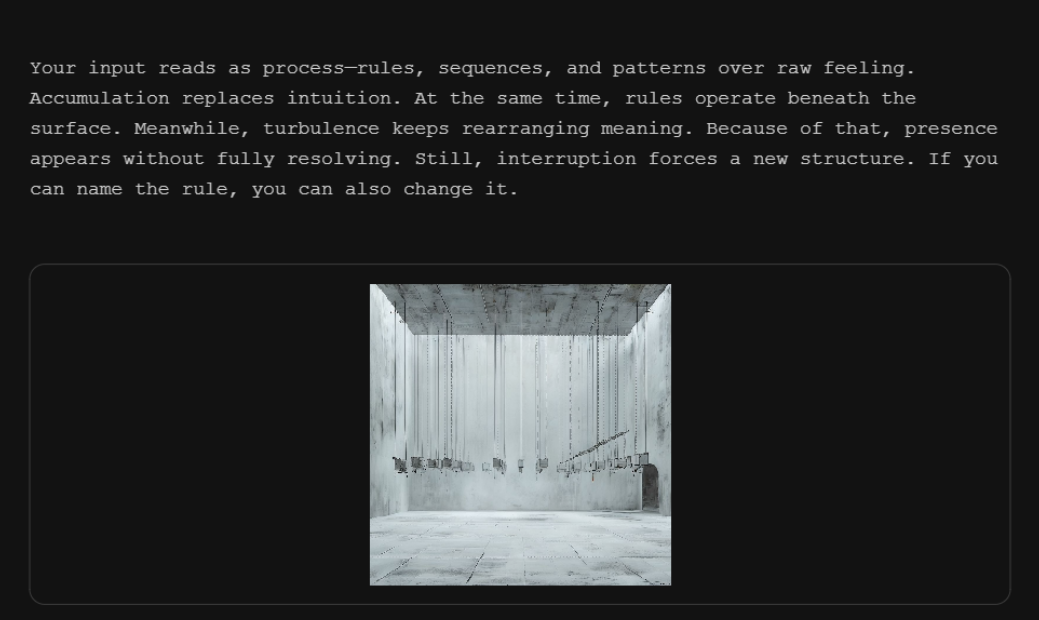
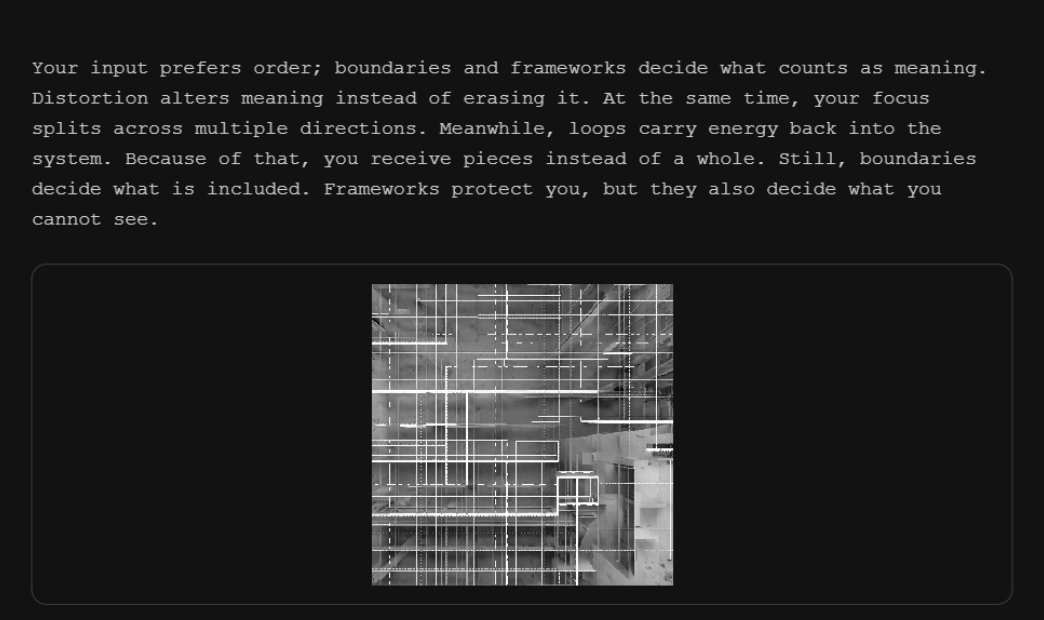
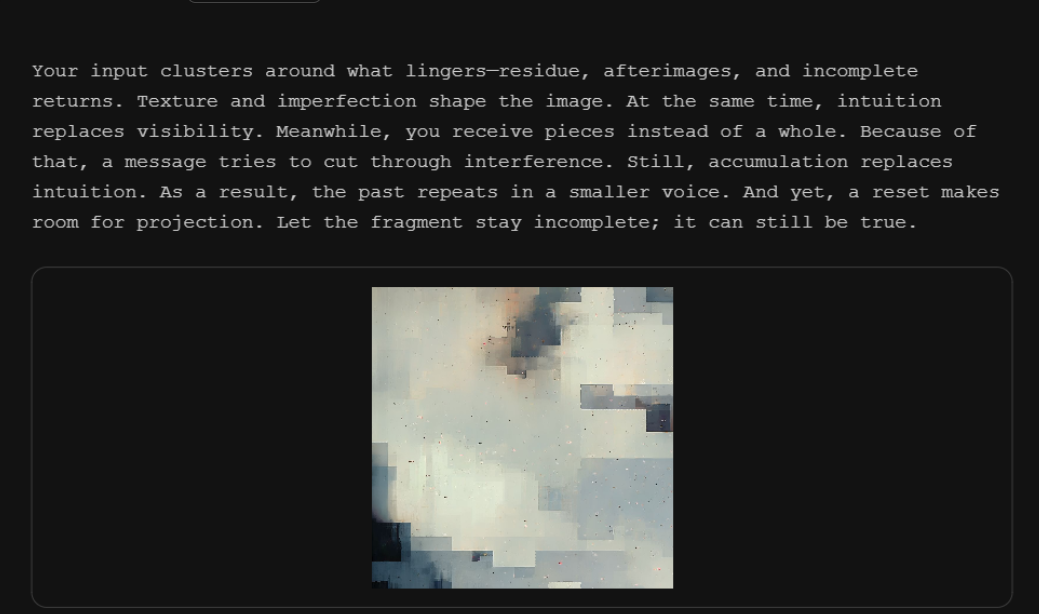
After you pick your words, the terminal generates a short reading and an image. It’s not a “test” and there isn’t a correct answer, it’s a structured prompt that produces a response.
Why
I built this because I’m interested in how easily a system can feel convincing when it looks official. A terminal interface feels logical and objective, but the words people choose are emotional and messy. Putting those together creates a weird in between feeling: “this is analyzing me,” but also “this is just a machine.”
I chose computer-ish keywords (signal, protocol, machine, glitch) because they already carry the vibe of scanning, sorting, and diagnosing. I wanted that “analysis” mood, and also without pretending the system actually knows the user.
I hope users get a moment of reflection: how much meaning you add yourself, and how much you trust the format of a system when it looks technical.
How
The project is written in p5.js. Each word choice changes a set of settings in the sketch. Some words make the image denser or noisier, some affect movement and spacing, and some change the overall mood of the generated composition.
The reading is built from short text fragments connected to those categories. The system combines them into one continuous output so it feels like a single session.
Gallery
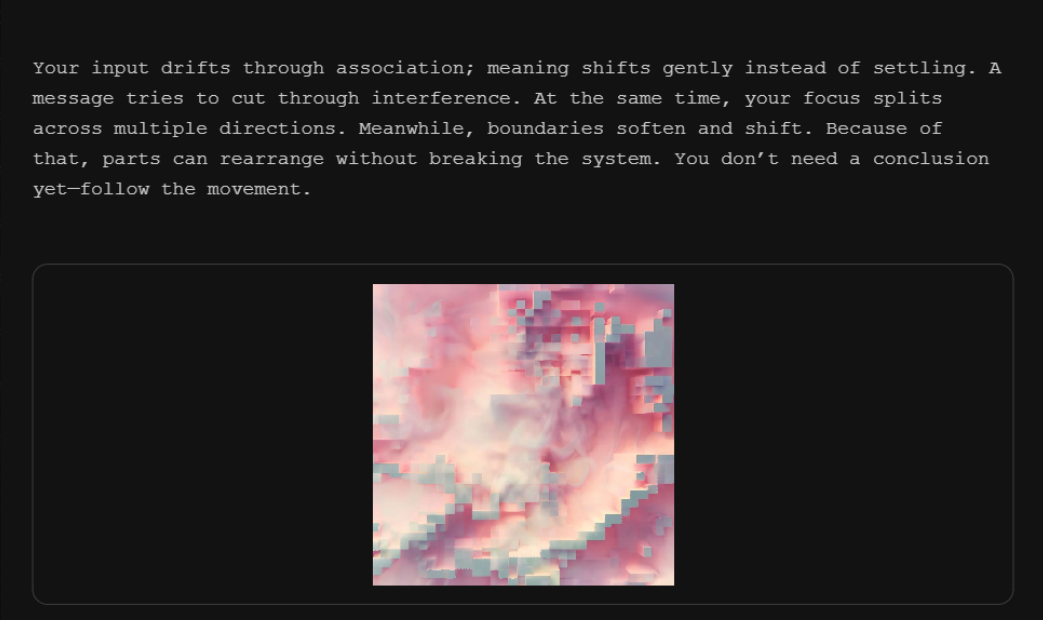
Example outputs from different sessions. Click to enlarge.
Contact
Vinny Xiong — zexiong@ucsd.edu